

841e60033806e186.vercel-dns-016.com. Once that’s set up, your users’ registry will be accessible through your custom domain.
Here’s an example screenshot for reference.
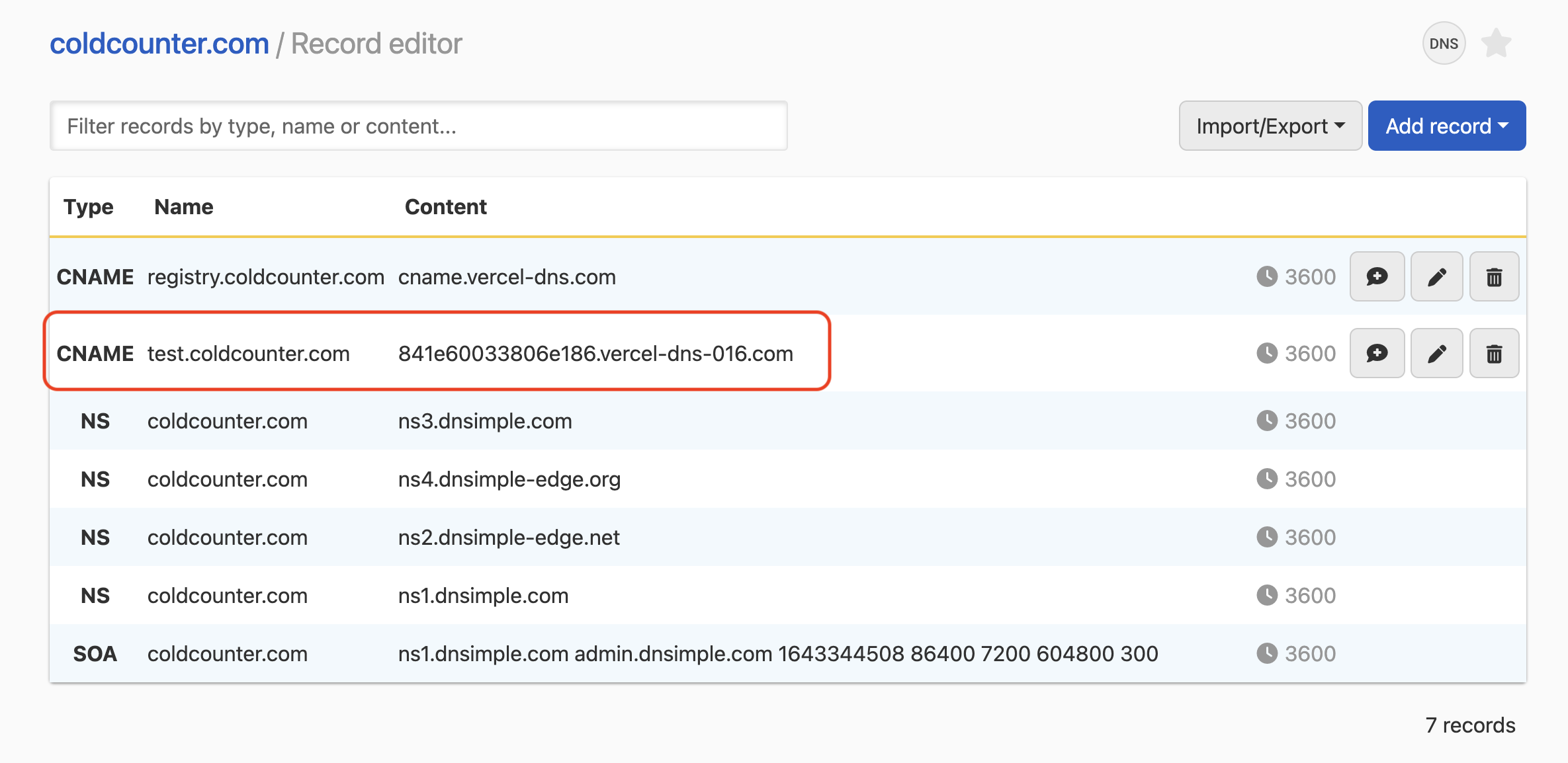

Set up a branded domain for your public registry
841e60033806e186.vercel-dns-016.com. Once that’s set up, your users’ registry will be accessible through your custom domain.
Here’s an example screenshot for reference.